

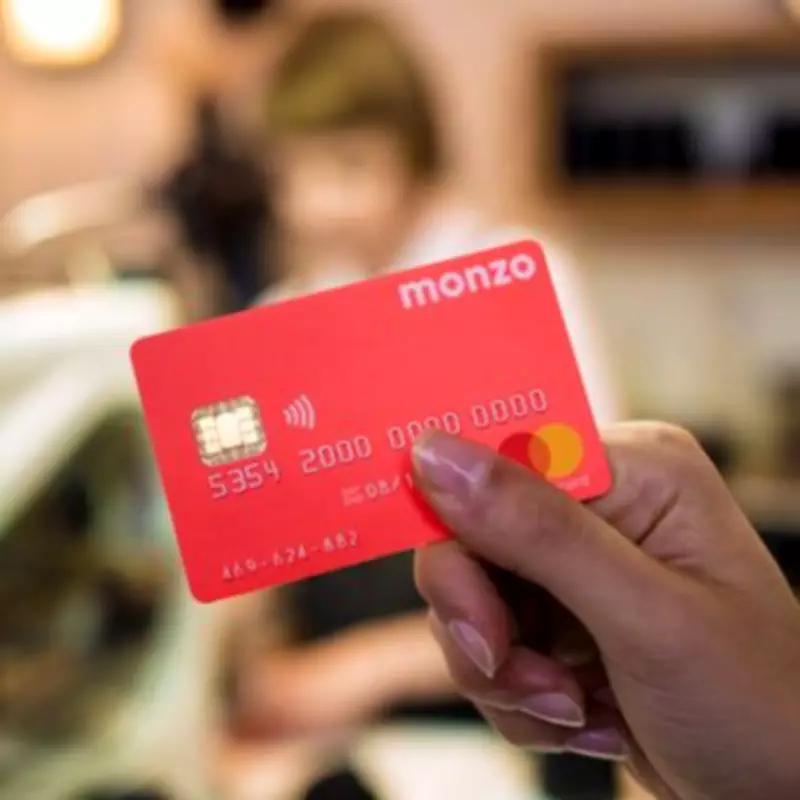
Monzo's Undo Payments Tool Halts £323 Million in Accidental Transfers
Monzo has revealed that its groundbreaking Undo Payments tool has prevented over £323 million from mistakenly leaving customers' accounts since its launch in May 2025. In less than a year, customers have reversed more than 1.6 million transfers after spotting errors such as sending money to the wrong person or entering incorrect amounts.
Rapid Response to Payment Errors
New data from Monzo demonstrates how quickly customers act when they identify a mistake. On average, payments are cancelled in just nine seconds. The feature now prevents 6,389 accidental payments every day, nearly 45,000 weekly, and over 194,000 monthly, with the average cancelled transfer valued at £202.
As digital payments accelerate, even minor errors can have significant consequences. Retrieving a mistakenly sent payment is often a lengthy and frustrating process, with no guarantee of funds being returned. Monzo's Undo Payments tool provides customers with a crucial short window to pause and stop a transfer before the money exits their account.

Industry-First Innovation
This feature is part of Monzo's broader focus on developing innovative tools that offer customers greater control, enhanced protection, and increased confidence in managing their finances. Andy Sacre, Head of Payments at Monzo, stated: "Mistakes happen to all of us - whether it's typing an extra zero on a payment or sending money to the wrong person. We built Undo Payments to give people a few seconds to catch those 'oh no' moments and put things right."
Sacre added: "Customers are telling us that this simple, yet powerful feature is a game-changer, providing them with more control and confidence when managing their money than ever before." The single largest payment stopped using this tool was an impressive £2.5 million.
How to Use Monzo's Undo Payment Feature
Monzo has made the process straightforward for users to reverse accidental transfers:
- Immediately After Paying: Once a payment is sent, a "Waiting to send" or "Undo payment" option appears immediately on the confirmation screen.
- From the Home Screen: Users can tap the pending transaction on their main feed to undo it.
- From Payment Details: Go to the payment details screen to stop the transaction before the timer expires.
Timer settings are customizable, with a default of 15 seconds. Users can adjust this to 10, 30, or 60 seconds by navigating to Settings > Privacy and security > Undo payments. This feature can also be turned on or off as needed.