
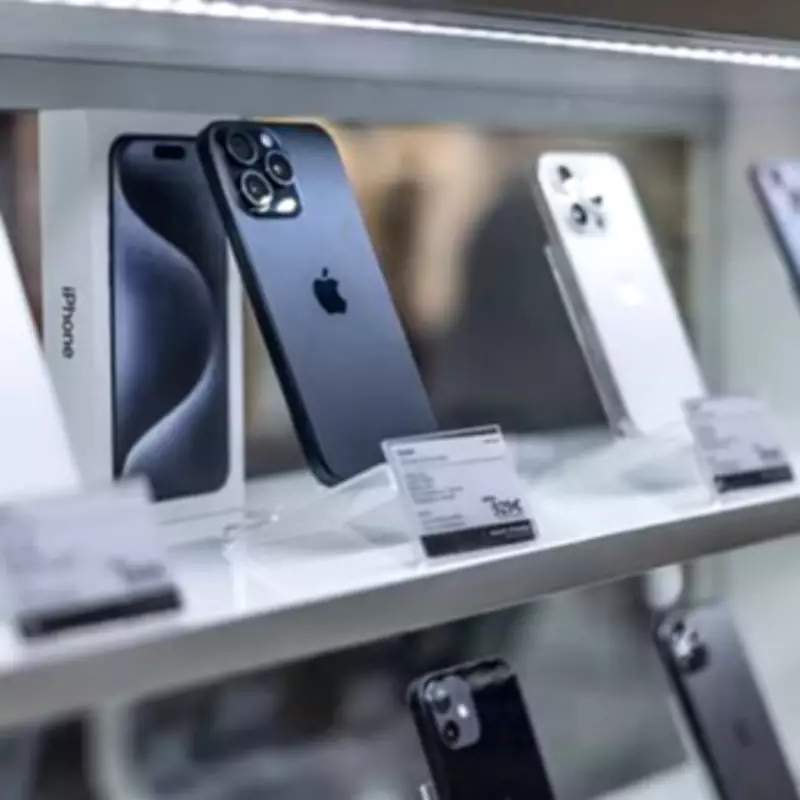
Apple Urges iPhone Users to Install Critical iOS Update
Apple has issued an urgent warning for all iPhone owners to update their devices immediately following the discovery of a significant iCloud bug affecting data synchronization. The new iOS 26.4.1 update addresses a regression in iOS 26.4 that prevented changes made on one Apple device from automatically syncing to another.
This issue has impacted users globally, with reports indicating that modifications on Mac computers were not appearing on iPhones, causing frustration and data inconsistencies. One affected user commented, "Make a change on the Mac, nothing happens on the iPhone," while another stated, "I am having this same problem and I just wasted an entire day on this."
Apple Engineer Acknowledges Widespread Problem
An Apple engineer responded to user complaints, confirming the bug and advising, "Thank you for reporting the issue, which does seem like a regression in iOS 26.4. Given the extensive impact of the issue, I’d suggest that you file a feedback report, if not yet, to attract more attention from the relevant engineering team."
To install the update, users should navigate to Settings, select General, proceed to Software Update, and press the install button for version 26.4.1. This fix is crucial for maintaining seamless data flow across Apple ecosystems.
Simultaneous Warning About Apple Pay Text Scams
Coinciding with the update release, consumer advocacy group ConsumerAffairs has issued a stark warning about fraudulent Apple Pay text alerts targeting approximately 818 million users worldwide. Scammers are sending fake messages claiming account problems, such as declined or suspicious payments, to prompt urgent action.
The organization reported a case where a victim was connected directly to a scammer posing as an official investigator, who convinced her to withdraw $15,000. Fortunately, a bank teller recognized the scam and intervened. Apple emphasizes, "Apple will never ask you to log in to any website, or to tap Accept in the two-factor authentication dialogue, or to provide your password, device passcode or two-factor authentication code, or to enter it into any website."
Users are advised to verify any suspicious activity directly through their device settings and contact their bank via official channels, rather than using numbers provided in unsolicited messages. This dual alert highlights the importance of both software maintenance and vigilance against digital fraud in today's interconnected world.