
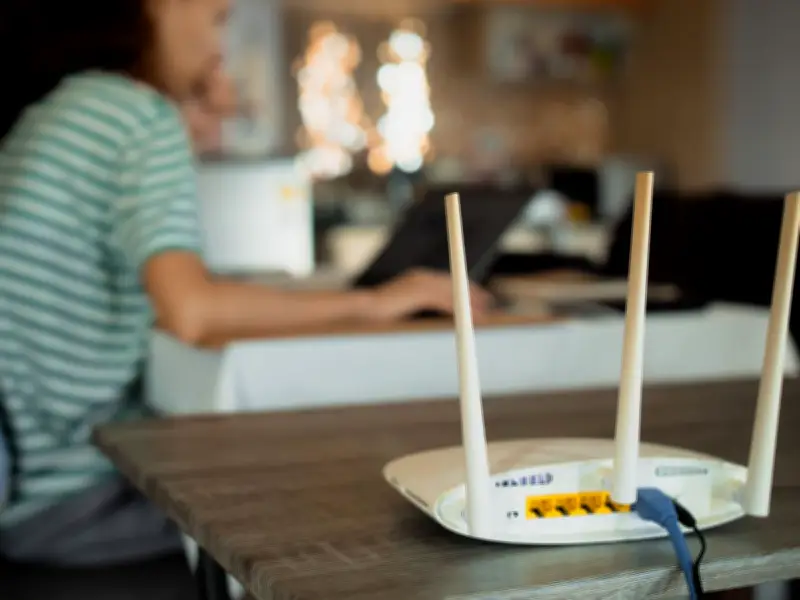
Birmingham is set to experience scorching temperatures reaching 36°C on Thursday, with highs in the high 30s Celsius throughout the week. As more people stay indoors to escape the heat, reports of Wi-Fi outages are rising, leaving many frustrated.
Why Does My Internet Go Down During a Heatwave?
Routers and modems are essentially small, specialised computers that generate internal heat and rely on passive cooling through ventilation slots. When the ambient room temperature hits 30°C or higher, your router can easily overheat. To prevent internal chips from melting, the device will slow down processing speeds (thermal throttling) or shut off entirely, causing your connection to drop.
Additionally, with everyone simultaneously streaming movies, working from home, or gaming to escape the heat, local demand on your Internet Service Provider (ISP) spikes dramatically. This massive traffic influx can overwhelm bandwidth capacity, mimicking a broken connection.
Alex Tofts, Strategist at Broadband Genie, explained: "If the temperature gets too hot to handle, this can push more people inside to stay out of the sun, adding demand to the network. We'll most likely see a dip in broadband speeds over this hot spell, but as long as broadband users don't expose their router to extreme heat, it's unlikely we'll see a wave of broadband outages across the country."
He added: "That said, electronics and heat don't tend to mix well. It's not unheard of for roadside cabinets to get a bit too warm. Engineers have even been known to pop open the doors and use umbrellas to give them a bit of shade."
How to Stop Your Wi-Fi Cutting Out in Hotter Temperatures
Router Placement
Avoid placing your router in direct sunlight or hot spots. Ideally, position it on a flat, hard surface, raised about 30cm off the floor for optimal performance. Keep it away from south-facing windows or sweltering lofts.
Keep It Ventilated
Don't lock your router away in cabinets or between large furniture items. A well-ventilated area prevents broadband burn-outs.
Attention Animal Lovers
Pets may seek out warm spots like routers for naps. However, fur, dust, and dander can clog air ducts, blocking ventilation and causing overheating.
Upgrade to Something More Modern
Newer routers run cooler and are less sensitive to temperature changes. If your router is over 15 years old, consider upgrading. You can purchase a decent router for £30–£50.
Digital Detox
If it's too hot and devices struggle, take a digital detox: switch off devices and your router (only if necessary) and take a break.
Tofts concluded: "Broadband companies design and test their equipment to operate in and around temperatures up to 40°C. Customers should check their router isn't placed in an unsuitable spot. A couple of minutes taken here will save your broadband grinding to a halt, avoiding any broadband-related frustrations."